You can now listen to chapters
2 min read
Update, October 21: the voice is now made on your own phone or computer. There are no daily limits any more, you don't need an account, and computers get the natural voices too. Here's what changed. I've corrected this post to match.
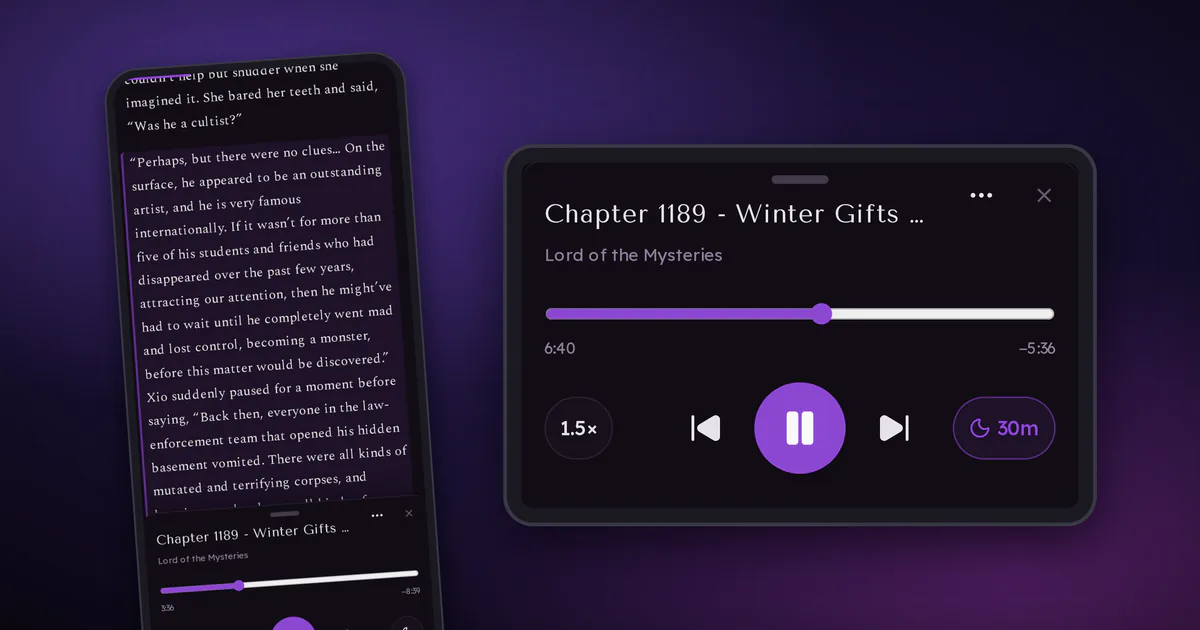
Some days you don't want to stare at a screen, but you still want to know what happens next. So now the reader can read chapters out loud for you.
How it works
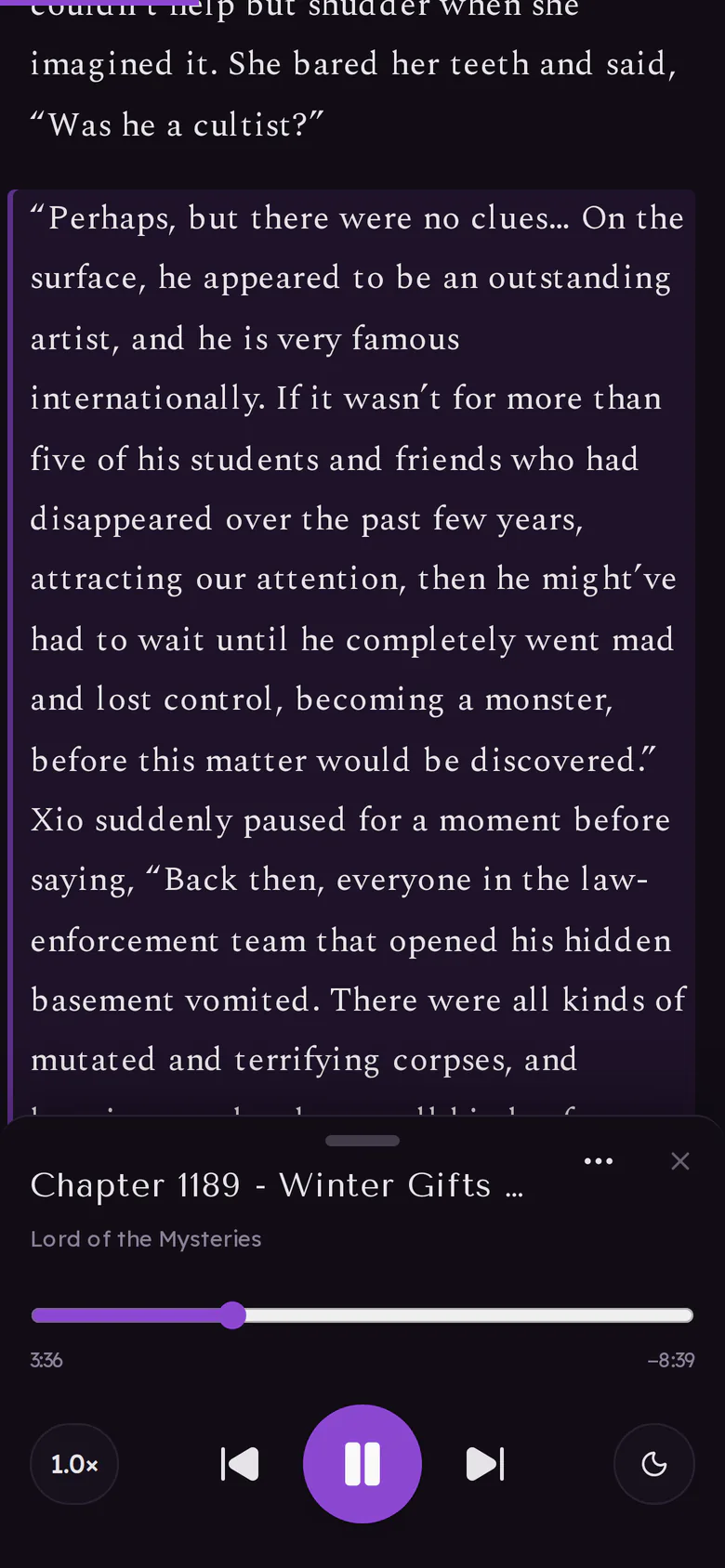
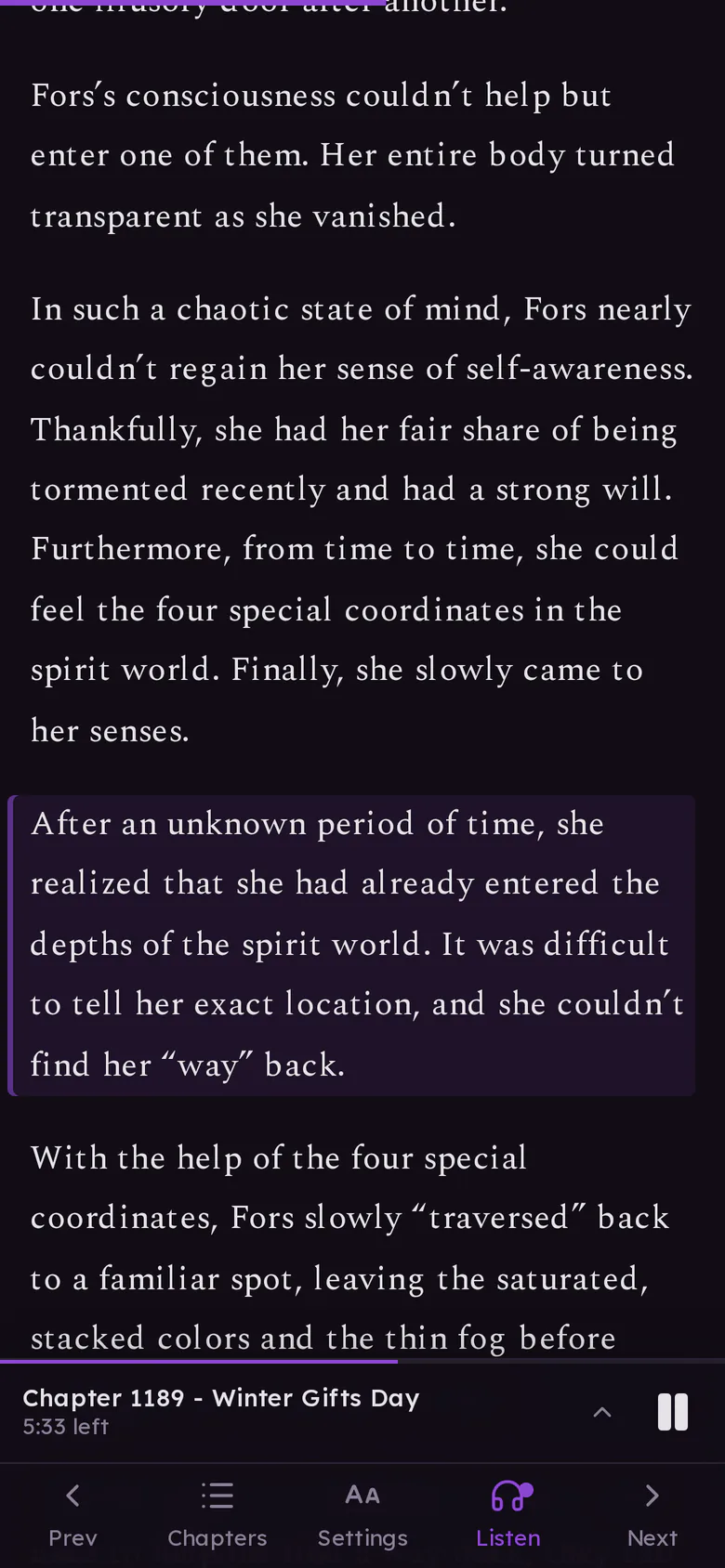
Open a chapter, tap Listen in the toolbar, then Play. The paragraph being read is highlighted and the page scrolls along with it, so you can switch between reading and listening whenever you like.
When a chapter ends, the next one starts by itself. If you'd rather it stopped, or don't want the page to scroll, both can be turned off in the player's ⋯ menu.
The voices
The voice downloads to your device the first time you press play, and after that it starts right away. Computers and recent phones get the HD voice, other phones a lighter Standard one. To pick one of eight HD voices, open ⋯ › Voice.
Screen off, phone in your pocket
Playback keeps going when you lock your phone or switch to another app, like a podcast would. Play and pause work from the lock screen and your headphones, and the next chapter still starts by itself.
You can also use your browser's own voice instead (⋯ › Voice). It stops when the screen turns off, so with that one the reader keeps your screen awake.
Other things you can do
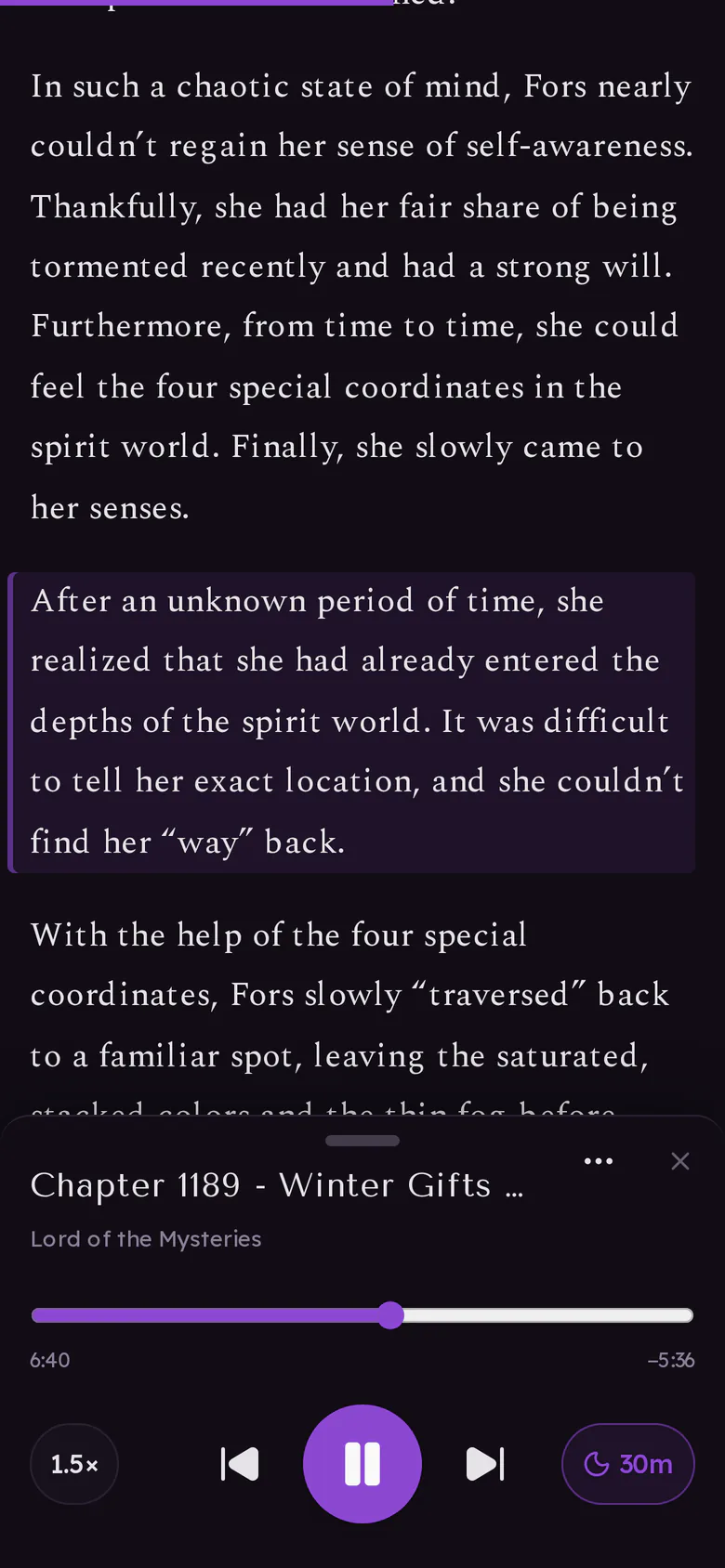
- Change the speed from 0.5× to 3×.
- Set a sleep timer: 15, 30 or 45 minutes, an hour, or the end of the chapter.
- Listen offline. Once the voice is on your device, chapters you download for offline play without a connection.
Try it on your next chapter and tell me in the comments how it works on your phone, especially if it stops when the screen locks (and which phone you have). And if a voice mangles a cultivation term badly enough to be funny, I want to hear that too.